
Your school's website and portal, run from one place.
SchoolOps gives every school its own website and a secure portal for staff, students and parents: results, fees, attendance, timetables, CBT exams and messages, all under your school's name.
Five ready-made logins. No sign-up, nothing to install.
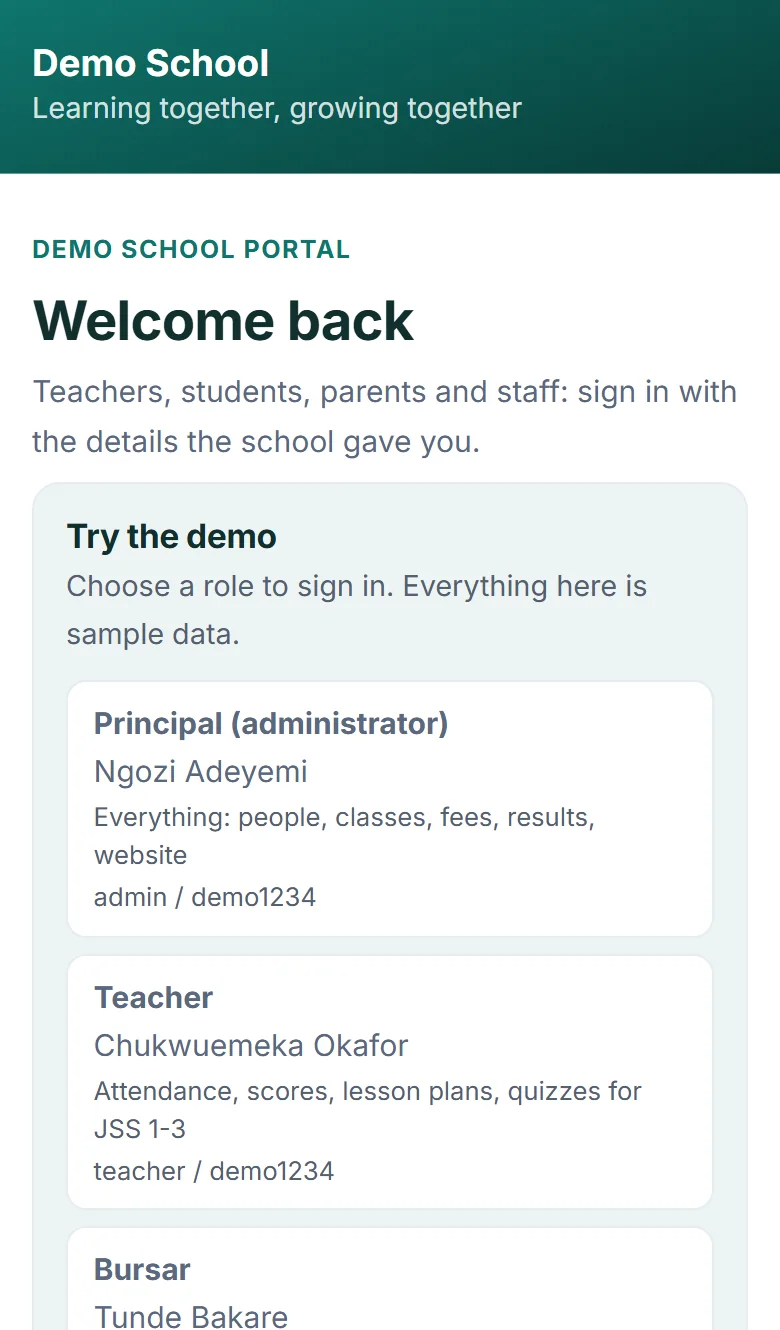
Open the demo as someone who works at the school.
Pick a role. You land inside Demo School, a pretend school with 88 students, a timetable, results and fees. Everything in it is sample data, so click anything.
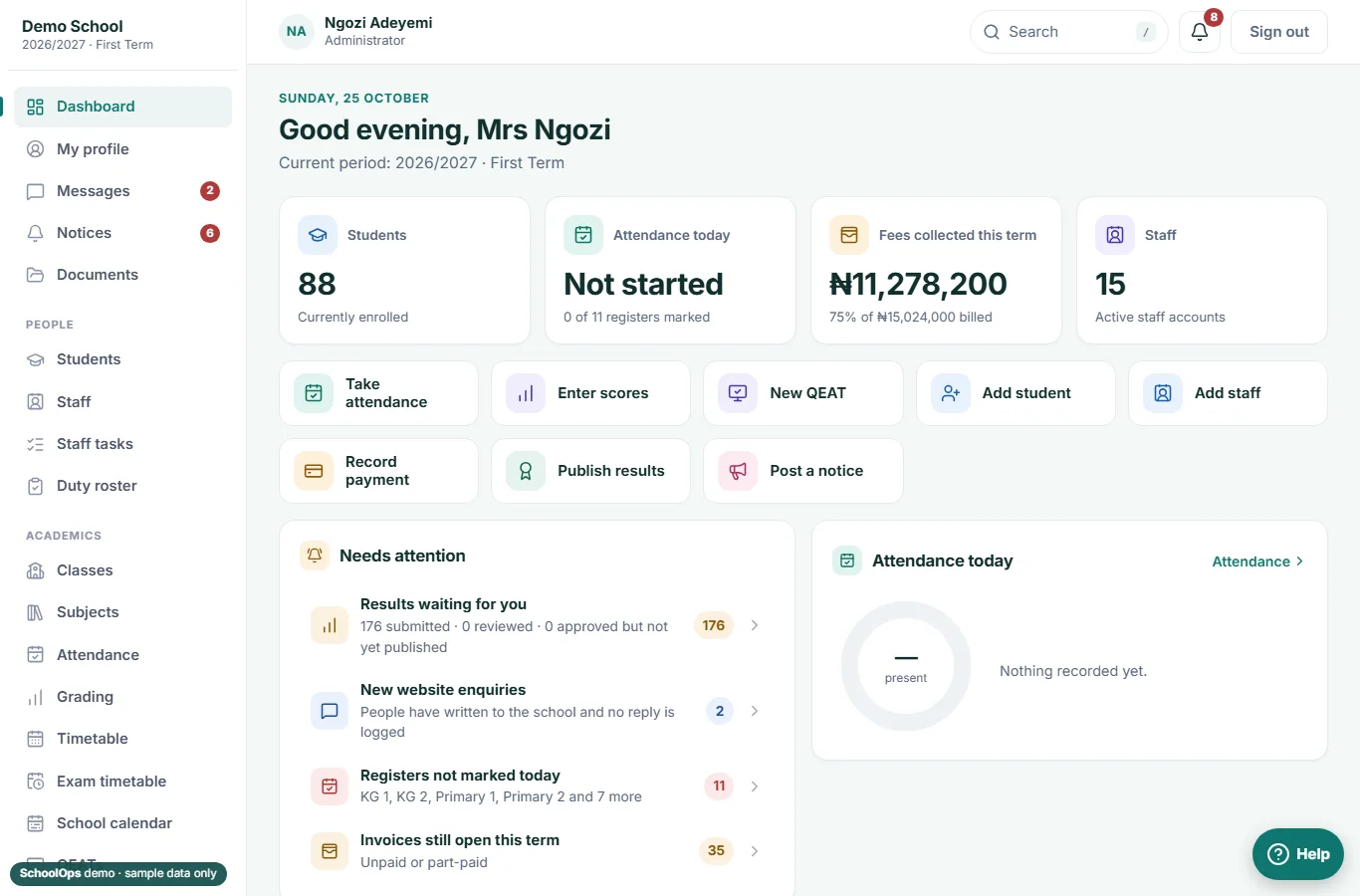
See the whole school at a glance.
- A dashboard of what needs you today: results waiting for review, unmarked registers, open invoices, new website enquiries.
- Publish results, post notices to staff, parents or one class, and edit the school website.
- Add students and staff, set up classes, subjects and fees, and control what each administrator can do.
Do the daily work from a phone.
- Take the class register in a few taps, and see who is absent or late.
- Enter continuous assessment scores, write remarks, and set a timed CBT quiz that marks itself.
- Keep schemes of work and weekly lesson plans, and see your own timetable.
Know who has paid and who hasn't.
- Fee structures for every class, and an invoice for every student each term.
- Record a payment, split it across invoices, and issue a receipt you can send to the parent on WhatsApp.
- See the balance for the term and the students still owing, class by class.
Everything a student needs, nothing else.
- Today's timetable, notices from the school, and published results with grades and remarks.
- CBT quizzes from their teachers, taken on any phone or computer.
- Coding practice in the programming lab, right in the browser.
Every child, one login.
- Switch between your children to see attendance, results and report cards.
- See what is owed this term, what has been paid, and download receipts.
- Read notices from the school, including ones sent just to your child's class.
A day on SchoolOps.
Here is where the system shows up in an ordinary school day, from the first register to the last notice.
Also included: lesson plans and schemes of work, a duty roster, library loans, boarding, a cafeteria, a school store, and a programming lab for students.
-
Class teacher
The register takes a minute.
The teacher marks present, late or absent from a phone. By 8:00 the principal's dashboard shows which registers are still open.
-
Mathematics teacher
A quiz that marks itself.
JSS 2 takes a timed CBT quiz. Multiple-choice answers are marked the moment a student submits, and the scores count toward continuous assessment.
-
Teachers
Scores go in once.
Quizzes, assignments, attendance and tests are added up by the system. Teachers only type what the system cannot know.
-
Bursar
A payment, a receipt, done.
The bursar records a bank transfer against a student's invoice. The receipt can be saved as an image or sent to the parent on WhatsApp.
-
Principal
Review, then publish.
Results submitted by teachers wait in one list. The principal reviews them, adds remarks, and publishes when ready. Nothing reaches parents before that.
-
Parent
The answer is already there.
A parent opens the portal on a phone: today's notice, the child's attendance, what is owed this term. No call to the office.
-
Admissions
An enquiry arrives overnight.
A family fills in the form on the school website. It is waiting in the office list the next morning, ready for a reply.
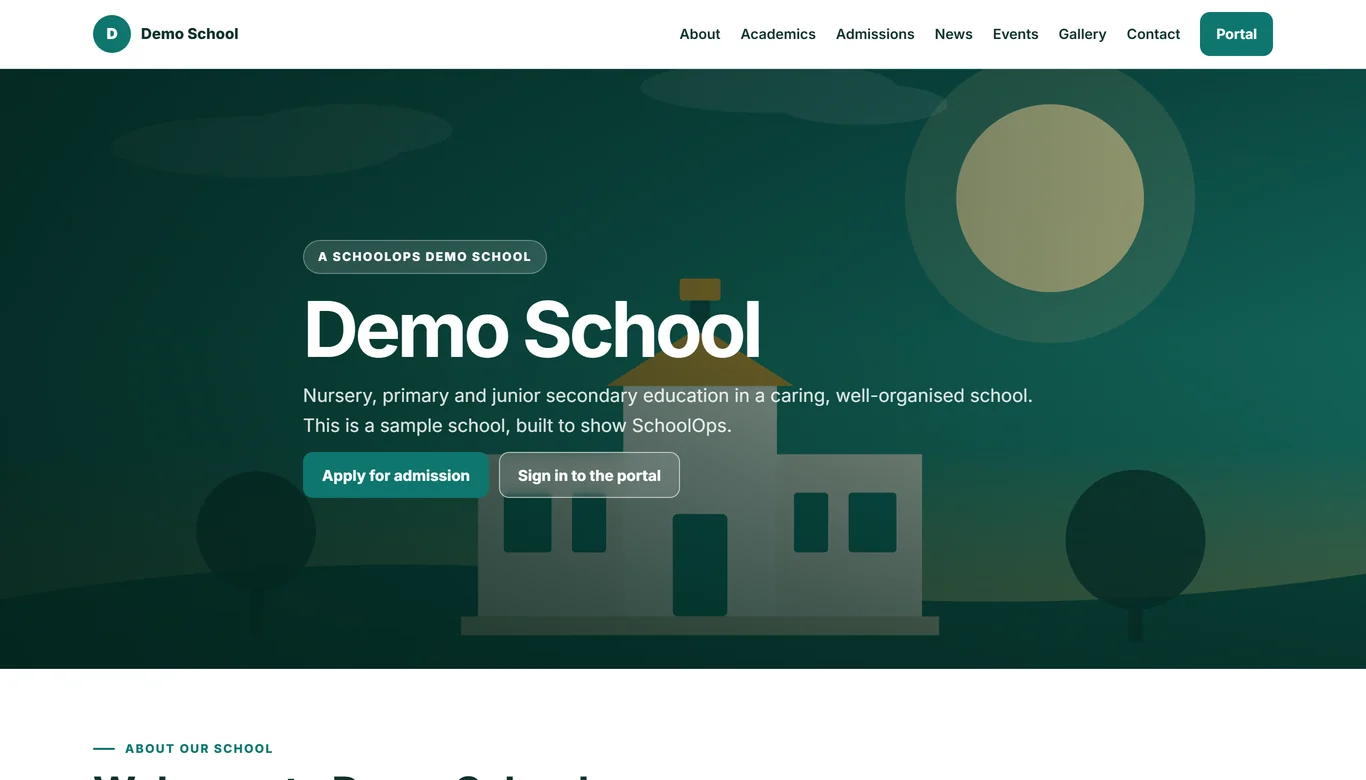
The website comes with it.
Most schools end up with a website that nobody updates and a portal that nobody visits. SchoolOps is one system, so the news you post, the events on the calendar and the admissions form all live in one place.
- A modern, mobile-friendly design you can change without a developer
- News and blog posts, with staff and students able to write for review
- Admission and contact forms that land in the office's list
- Your story, values, galleries and events pages
Parents see your school, not a software company.
Each school runs on its own web address, with its own logo, colours and sign-ins. Emails go out from your school's address. A parent with children at two schools has two separate logins, one for each.
Try it: type your school's name and pick a colour.
Good morning, Mrs Adeyemi
Getting your school on SchoolOps.
We set it up with you, so your staff are not left to figure it out during term.
Tell us about your school
Your classes, subjects, grading and fees, and how your school runs its terms.
We build your site and portal
Your logo, colours and web address go in, and your students and staff are loaded from your lists.
Everyone gets a login
Staff, students and parents each receive their details, and the school office can reset them at any time.
Start the term on it
Take the first register, post the first notice and send the first invoice from the new system.
See it for yourself, then talk to us.
Open the demo, click around as the principal, and send us your questions. We will show you how it would look with your school's name on it.
- WhatsApp and phone08108590732
- Emailschoolops@soft-ops.dev
- Websiteschoolops.soft-ops.dev